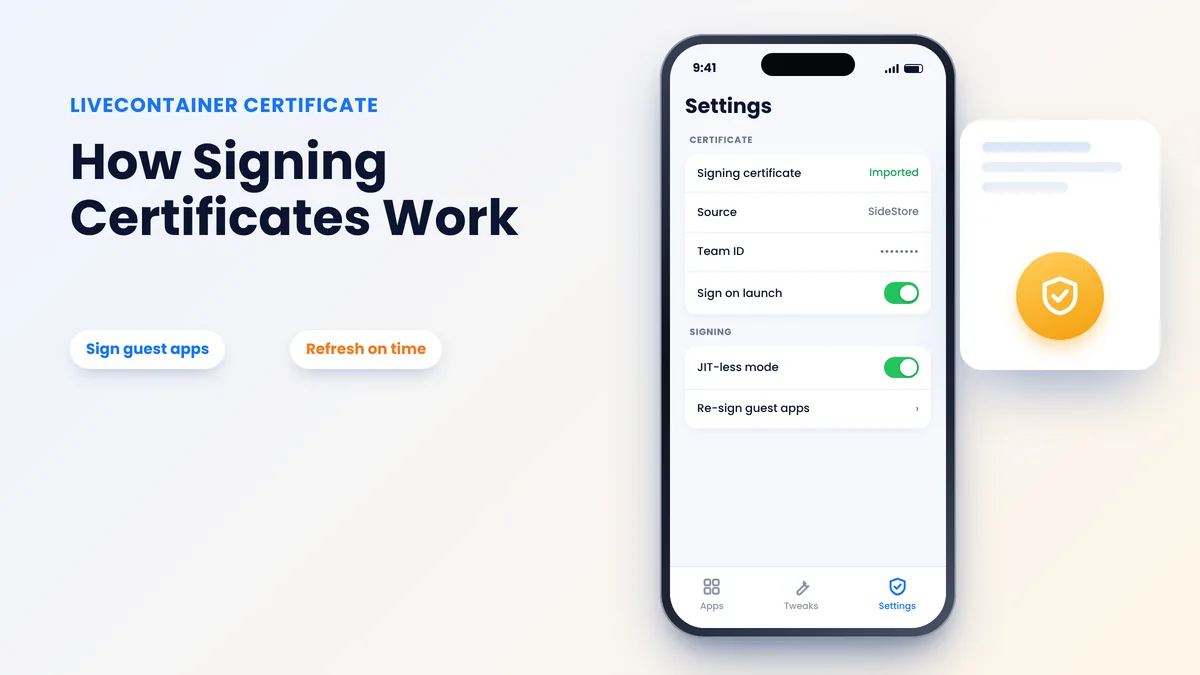
LiveContainer certificate questions come up often, because signing is the part of the setup that people notice least until something stops working. Every app on iOS must be signed in a way the system accepts, and guest apps inside LiveContainer are no exception unless JIT is available.
This article explains when LiveContainer signs guest apps, which certificate it uses, how JIT changes the picture and what to do when the certificate expires or stops matching your installation.
Why iOS Apps Need to Be Signed
iOS only runs code that carries a valid signature. App Store apps are signed by Apple, while sideloaded apps are signed with a certificate tied to the Apple account used by AltStore or SideStore. A free account produces certificates that expire after seven days.
LiveContainer is a sideloaded app, so it carries the signature created by your sideloading tool. Guest apps run inside LiveContainer's process, and their code also has to be accepted by the system before it can execute.
How LiveContainer Handles Signing
The official documentation describes two situations. When JIT is available, code signing is bypassed entirely and guest apps do not need to be signed before installing. When JIT is not available, each guest app is signed with the same certificate used by LiveContainer.
| Situation | What happens to guest apps |
|---|---|
| JIT available | Code signing is bypassed; no pre-signing needed |
| JIT not available | Signed with LiveContainer's own certificate |
| Certificate expired | LiveContainer and its guest apps stop launching until refreshed |
Why the Same Certificate Matters
Guest code is loaded into LiveContainer's process, so it needs to be signed in a way that matches the host. Using the certificate LiveContainer was installed with keeps the host and its guest apps consistent in the eyes of iOS.
Where the Certificate Comes From
The certificate belongs to the Apple account connected to AltStore or SideStore. LiveContainer does not create its own developer identity; it reuses what your sideloading tool already set up when it installed LiveContainer on the device.
LiveContainer's settings include options for importing the certificate from AltStore or SideStore. Menu labels can change between versions, so look for the certificate section in settings rather than relying on an exact name from an older screenshot.
- The certificate is tied to your own Apple account.
- It is created by the tool that installed LiveContainer.
- It should never come from a stranger or an unknown website.
Keeping the Certificate Valid
A certificate from a free Apple account lasts seven days. Refreshing LiveContainer in AltStore or SideStore renews the signature on the host app, and the guest apps inside it keep working because they rely on that host.
The LiveContainer+SideStore build makes this simpler, because the combined app refreshes through the SideStore functionality built into it. With the standalone build, your separate AltStore or SideStore app handles the refresh.
Good Refresh Habits
- Refresh a day or two before the seven-day limit.
- Keep your sideloading tool updated to a supported version.
- Re-import the certificate after reinstalling LiveContainer with a different tool.
Common Certificate Problems
Most certificate issues are mismatches. Installing LiveContainer with one tool and importing a certificate from another, or reinstalling LiveContainer with a different Apple account, can leave guest apps signed with an identity that no longer matches the host.
Another frequent cause is expiry. If LiveContainer itself will not open, the signature has usually run out, and refreshing it in AltStore or SideStore is the first thing to try before changing any settings.
| Symptom | Likely cause | First step |
|---|---|---|
| LiveContainer will not open | Expired signature | Refresh in your sideloading tool |
| Guest app closes instantly | Certificate mismatch | Re-import the certificate |
| Signing error on import | No usable certificate | Complete the signing setup |
Staying Safe with Certificates
A signing certificate can authorise code to run on your device, so it deserves the same care as a password. Shared or "free" certificates from unknown sources are a risk, and they are not needed when your own Apple account can sign apps through AltStore or SideStore.
The maintainers also warn that closed-source third-party builds of LiveContainer could read sensitive data from guest apps. Pairing the official build with your own certificate keeps the chain of trust short and easy to understand.
Certificates, JIT and Everyday Use
For most people, the practical question is whether JIT is available on their setup. When it is, guest apps skip code signing entirely, which removes one step from importing. When it is not, signing happens automatically with LiveContainer's certificate, as long as that certificate has been imported correctly.
Either way, the host app still needs a valid signature from AltStore or SideStore. JIT changes how guest apps are handled, but it does not remove the need to keep LiveContainer itself installed and refreshed.
- JIT available: guest apps load without pre-signing.
- No JIT: guest apps are signed with LiveContainer's certificate.
- Both cases: LiveContainer itself must stay refreshed.
Moving Between Apple Accounts
Changing the Apple account used by AltStore or SideStore creates a different signing identity. If LiveContainer is reinstalled with the new account, guest apps signed earlier may need to be prepared again with the new certificate before they launch reliably.
Re-importing the certificate right after any account change avoids confusing errors later. Keeping one Apple account for all sideloading on a device is the simplest way to prevent mismatches in the first place.
Keeping One Account per Device
Using the same Apple account for AltStore or SideStore and for every LiveContainer reinstall keeps the signing identity stable, so guest apps never need to be re-prepared because of an account change.
Frequently Asked Questions
Does LiveContainer need its own developer account?
No. It uses the certificate from the Apple account connected to your sideloading tool, which can be a free account.
Do guest apps expire separately?
Guest apps depend on LiveContainer's signature, so keeping LiveContainer refreshed is what keeps them launching.
Is signing needed when JIT is enabled?
No. According to the official documentation, code signing is bypassed when JIT is available.
Conclusion
LiveContainer certificate handling is simple once the rule is clear: without JIT, guest apps are signed with the same certificate as LiveContainer, and that certificate comes from your own sideloading tool.
Refreshing on time, importing the certificate from the tool that installed LiveContainer and avoiding shared certificates are enough to keep signing problems rare.