Installation
How to Install LiveContainer on iPhone and iPad?
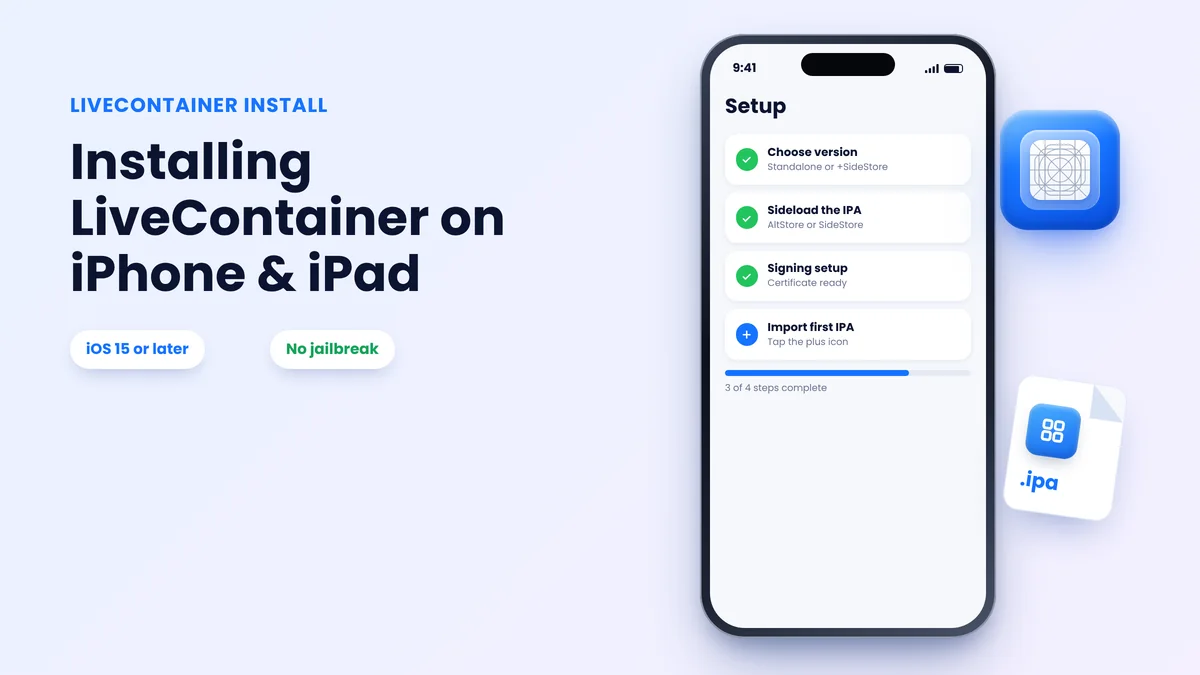
LiveContainer install walkthrough for iPhone and iPad: choose a build, sideload with AltStore or SideStore, finish signing and import your first IPA.
Read guideLiveContainer guides for every stage of setup, from installing the app and importing IPA files to certificates, SideStore integration and fixing common problems.
LiveContainer install walkthrough for iPhone and iPad: choose a build, sideload with AltStore or SideStore, finish signing and import your first IPA.
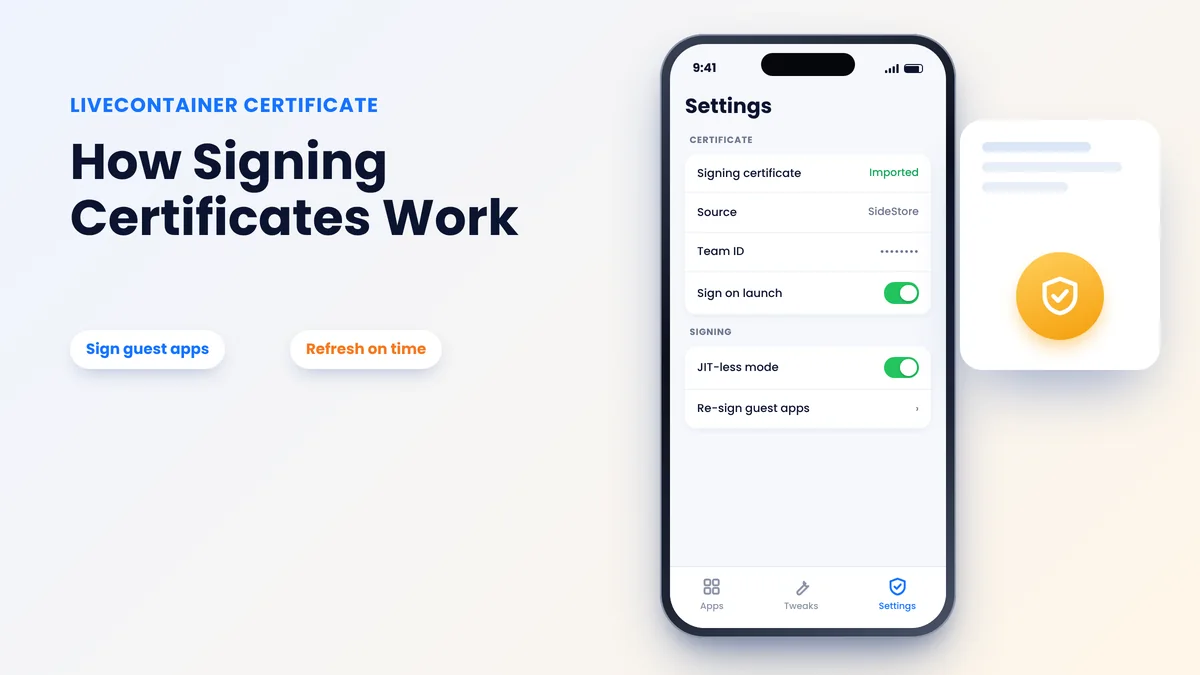
Read guideLiveContainer certificate explained: when guest apps are signed, how JIT changes signing, where the certificate comes from and how to keep it valid.
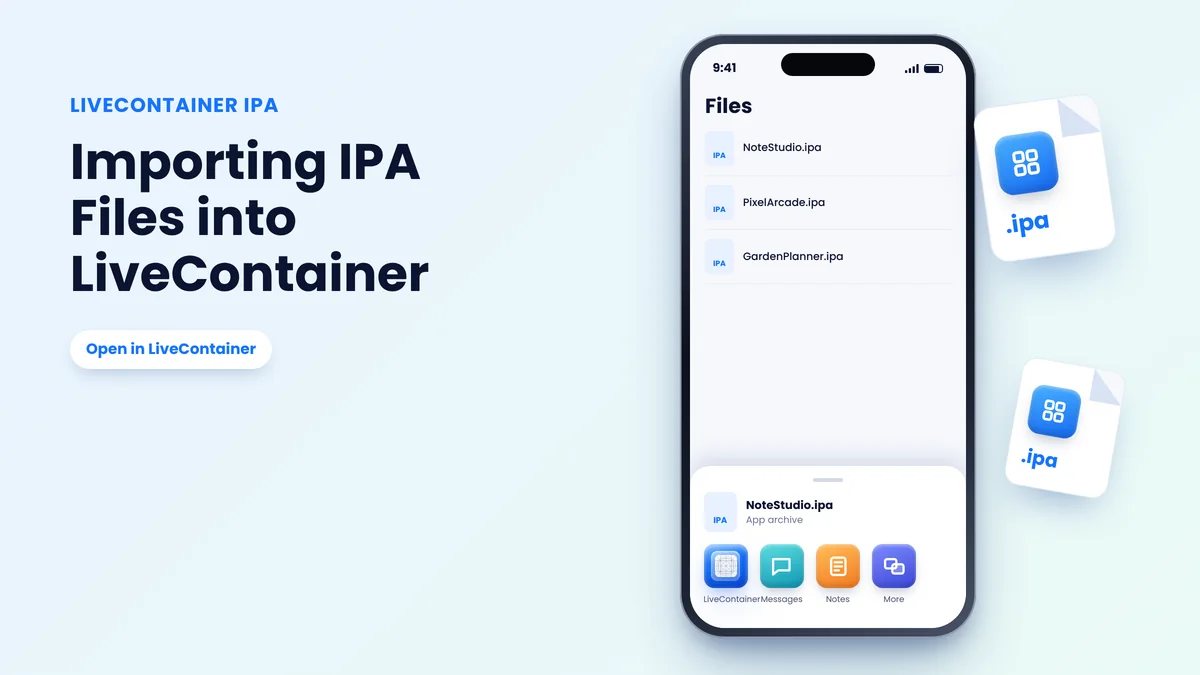
Read guideLiveContainer IPA guide: how to import IPA files, use the share sheet, update guest apps, manage containers and spot IPA files that will not work.
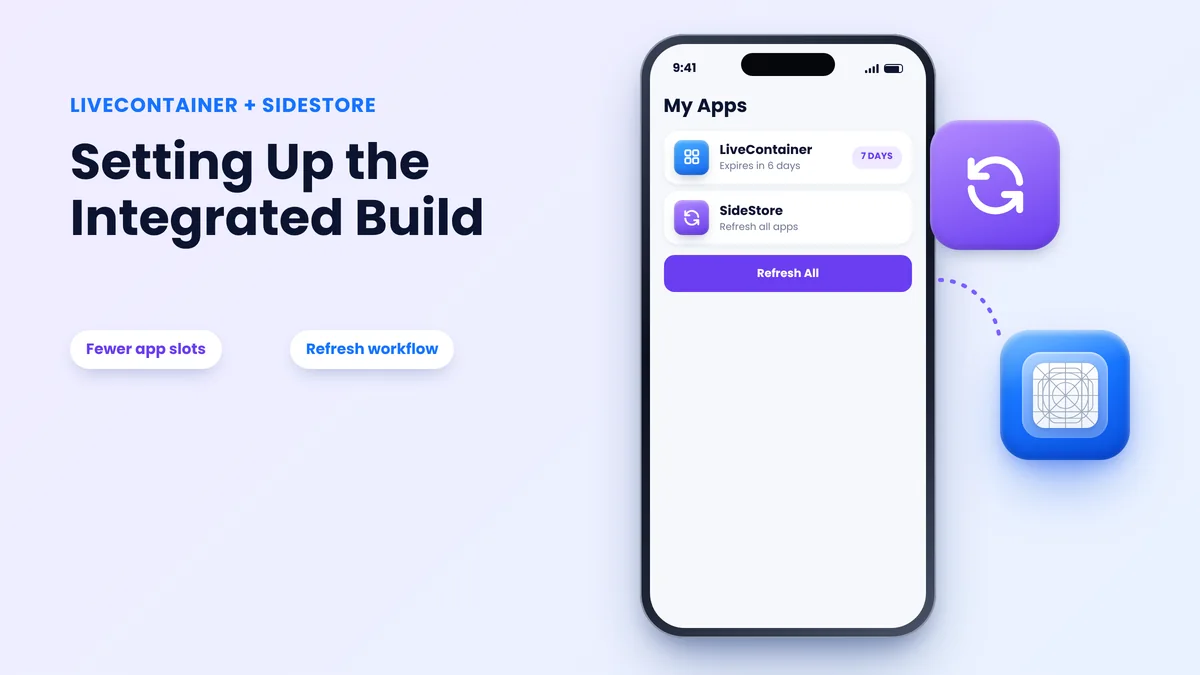
Read guideLiveContainer + SideStore explained: what the integrated build includes, how it saves app slots, how refreshing works and when standalone is better.
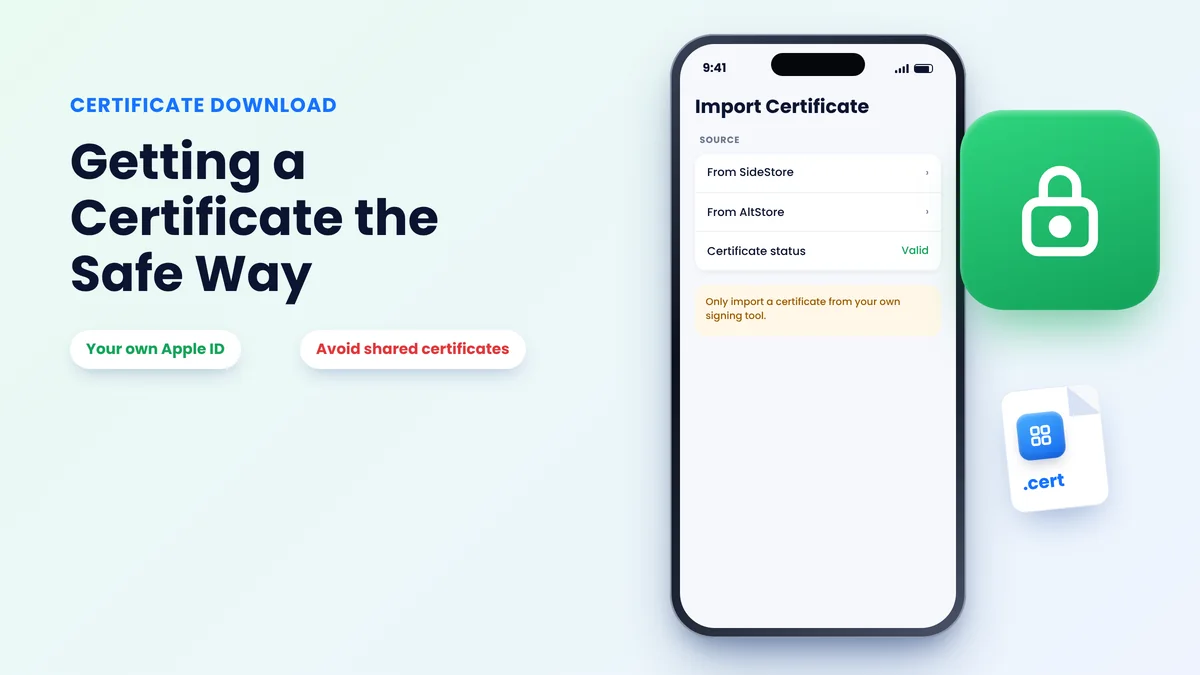
Read guideLiveContainer certificate download explained: where a valid certificate comes from, how to import it from AltStore or SideStore and why to avoid shared ones.
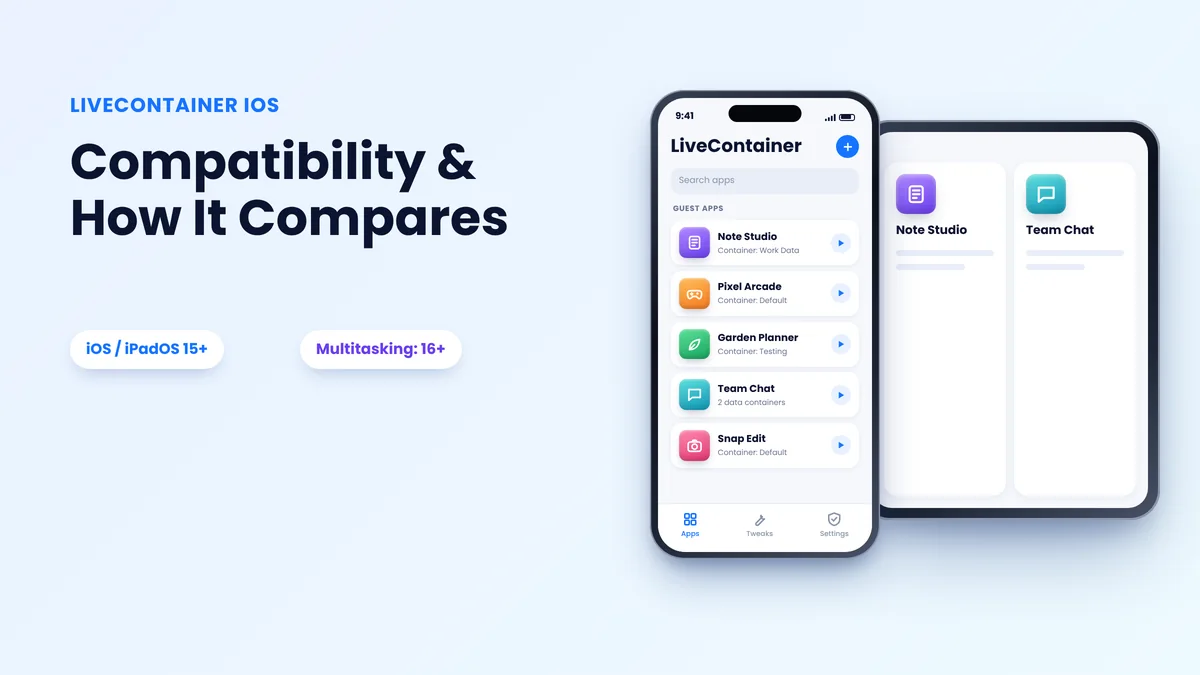
Read guideLiveContainer iOS requirements for iPhone and iPad, multitasking support, known limits and a clear comparison with traditional sideloading methods.
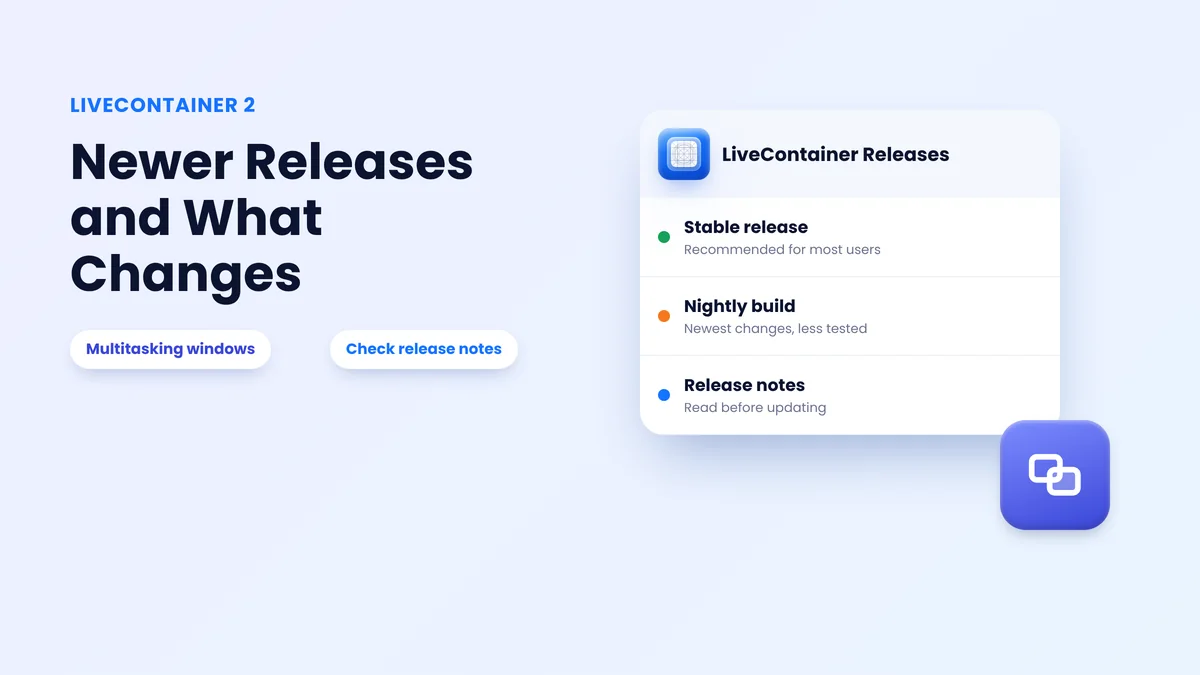
Read guideLiveContainer 2 explained: what the 2.x series introduced, how later releases changed the app, stable vs nightly builds and how to update safely.
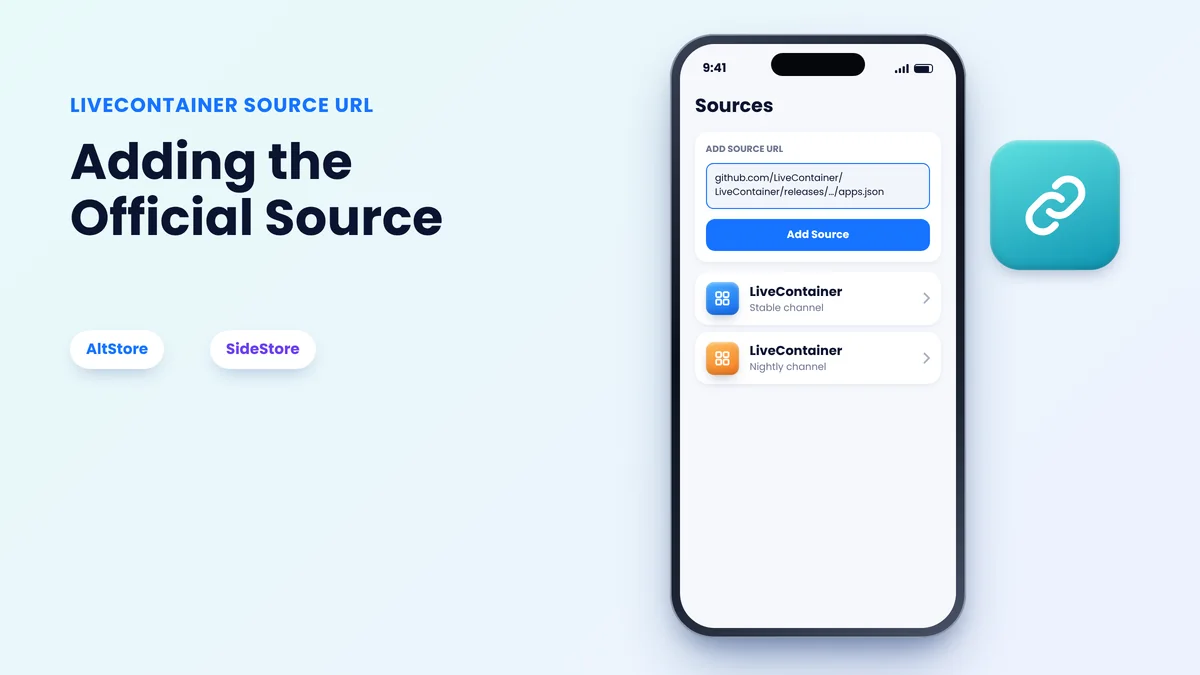
Read guideLiveContainer source URL guide: the official stable and nightly source links, how to add them in AltStore or SideStore and how updates arrive.
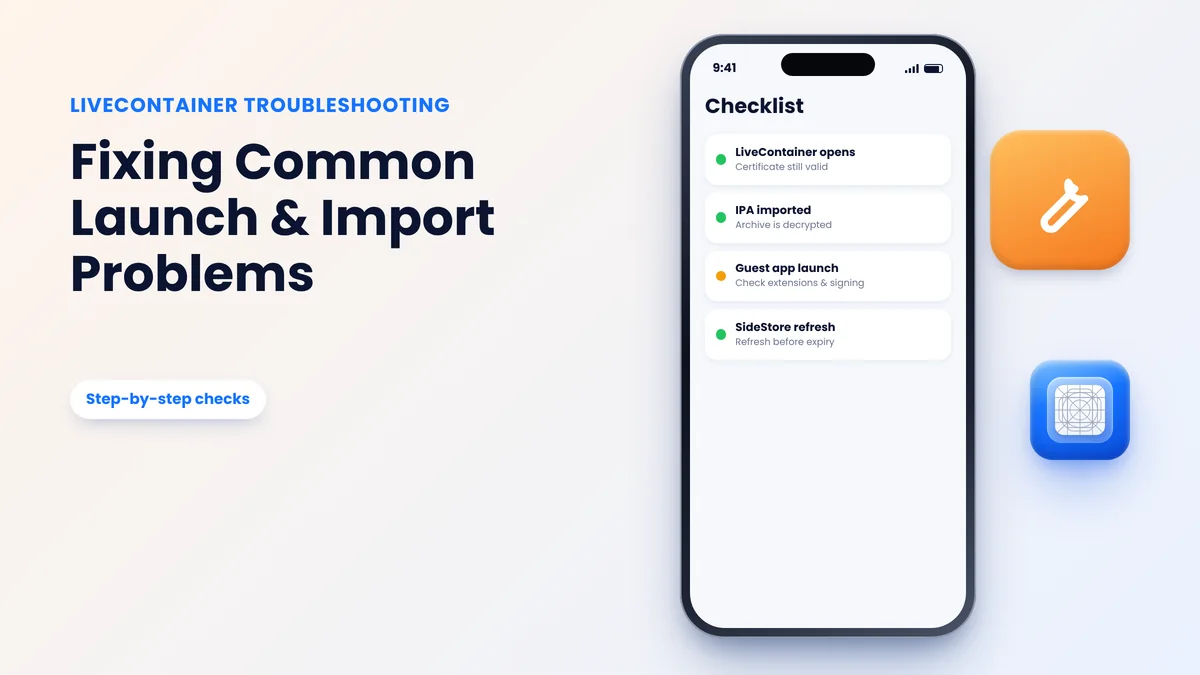
Read guideLiveContainer troubleshooting for launch failures, IPA import errors, certificate problems, guest app crashes and SideStore refresh issues.
Read guide