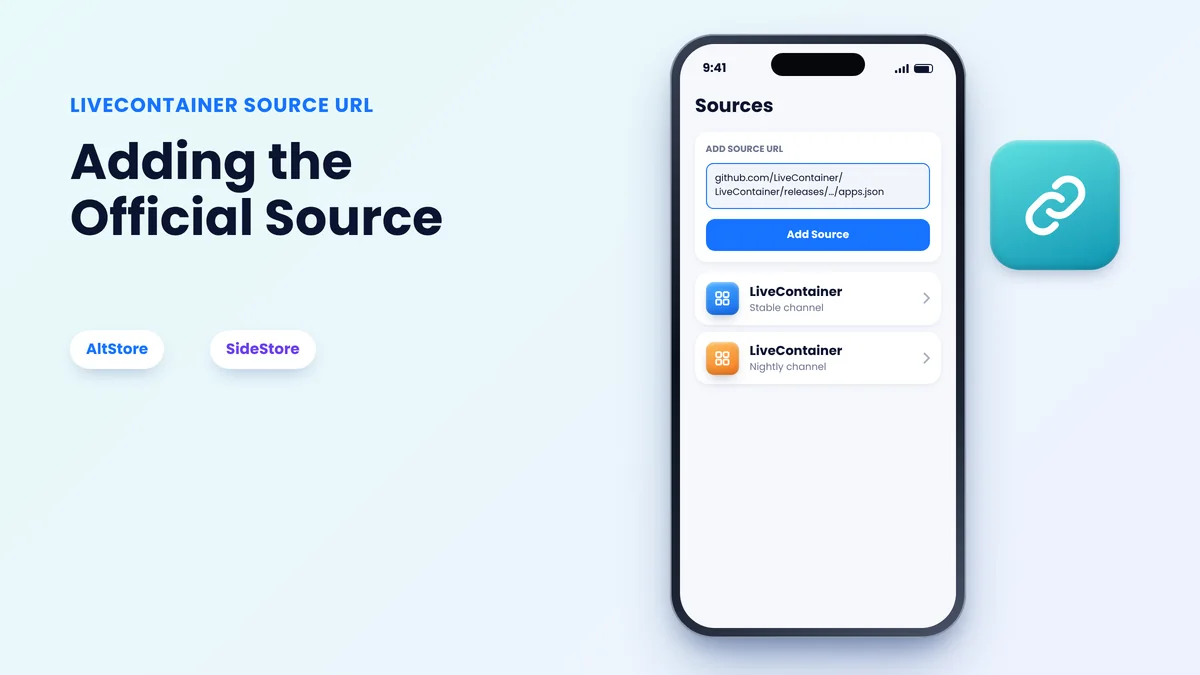
LiveContainer source URL support lets AltStore and SideStore list LiveContainer like any other app in a catalogue. Adding the official source means new releases show up inside your sideloading tool, so you are not searching for IPA files every time an update is published.
This article lists the official source links, explains the difference between the stable and nightly sources, shows how adding a source works and covers what to do when a source refuses to load.
What a Source Is
A source is a JSON file that describes apps, versions and download locations in a format AltStore and SideStore understand. When you add a source, the tool reads that file and shows the apps it contains, along with updates when the file changes.
A dedicated AltStore and SideStore source for LiveContainer arrived with the 3.0 release. The source files are published alongside the official GitHub releases.
Official LiveContainer Source URLs
The project README lists one source for stable builds and one for nightly builds. Both point to files hosted on the official GitHub releases of the LiveContainer repository.
| Channel | Source URL |
|---|---|
| Stable | https://github.com/LiveContainer/LiveContainer/releases/download/1.0/apps.json |
| Nightly | https://github.com/LiveContainer/LiveContainer/releases/download/nightly/apps_nightly.json |
The "1.0" part of the stable link is simply where the project hosts its stable source file, and it does not mean you will receive version 1.0. Always confirm the links against the current README, because hosting details can change over time.
Adding the Source in AltStore or SideStore
Both tools have a Sources area where you can add a new source by pasting its URL. Once added, LiveContainer appears in the list of available apps, and you can install or update it from there.
Typical Steps
- Copy the stable or nightly URL from the official README.
- Open the Sources section in AltStore or SideStore.
- Add a new source and paste the URL.
- Open LiveContainer from the source and install or update it.
Exact button labels differ between AltStore and SideStore versions. The official requirements list AltStore 2.0 or later and SideStore 0.6.0 or later, and older versions may not handle sources the same way.
Stable vs Nightly Sources
The stable source delivers tested releases and is the right choice for most people. The nightly source delivers the newest builds, which include experimental features and changes that have had less testing.
| Source | Best for | Trade-off |
|---|---|---|
| Stable | Everyday use and first installs | New features arrive later |
| Nightly | Trying upcoming changes | Higher chance of bugs |
Adding both sources at once can be confusing because two LiveContainer entries appear. Choose one channel and switch only when you have a reason to.
Why Use the Official Source
Sources make updates convenient, but a source controls which IPA your tool downloads. Third-party sources that repackage LiveContainer can point to modified builds, and the maintainers warn that closed-source builds could access keychain items and login details from guest apps.
- Updates come straight from the official GitHub releases.
- No need to trust a repackaged IPA.
- Release channels match the project's own documentation.
When a Source Will Not Load
Most loading problems come from copying errors, such as a missing character or an extra space at the end of the URL. Pasting the link again directly from the README fixes many of them.
An outdated AltStore or SideStore version, or a temporary network issue, can also stop a source from loading. Updating the tool and trying again later are the next steps before looking for other causes.
Sources and Direct IPA Downloads Compared
Downloading the IPA directly from the GitHub releases page and adding the source both lead to the same official files. The difference is convenience: a source keeps checking for updates, while a direct download is a single, manual action.
| Method | Updates | Best for |
|---|---|---|
| Official source | Shown inside your sideloading tool | Ongoing use |
| Direct IPA download | Checked manually on GitHub | One-off installs or testing |
Many people use a direct download for the very first installation and then add the source so future updates arrive automatically.
Keeping Guest Apps Safe During Updates
Updating LiveContainer from the source replaces the host app while keeping its data, so guest apps and containers normally stay in place. Deleting LiveContainer before installing a new version, however, can remove them.
Before a major update, back up important guest app data and check the release notes. If the update changes signing or the SideStore integration, re-check the certificate settings once it finishes.
- Update in place rather than deleting first.
- Back up important data before major versions.
- Re-check certificate settings after updating.
Checking the Source Is Official
An official LiveContainer source link always points to the LiveContainer repository on github.com. If a link uses a different domain, a shortened URL or a personal file host, it is not the official source and should not be added to your sideloading tool.
- Confirm the link starts with github.com/LiveContainer/LiveContainer.
- Copy links from the official README rather than from videos or comments.
- Remove unknown sources you no longer use.
Frequently Asked Questions
Does adding the source install LiveContainer automatically?
No. The source lists LiveContainer; you still choose to install or update it.
Can I switch from nightly back to stable?
Yes, by installing the stable build from the stable source. Back up guest app data before switching channels.
Does the source include the SideStore build?
Check the entries shown in your tool after adding the source, as listings can change between releases.
Why does LiveContainer appear twice in my sources list?
Adding both the stable and nightly sources lists LiveContainer from each channel. Remove the source you do not need to avoid installing the wrong build by mistake.
Do I need the source if I already installed LiveContainer?
No, but adding it makes future updates easier because new versions appear inside your sideloading tool.
Conclusion
LiveContainer source URL support turns updates into a routine task inside AltStore or SideStore. Using the official stable link from the README is the simplest and safest way to keep LiveContainer current.
Choosing one channel, keeping your sideloading tool up to date and avoiding repackaged sources keeps the update path clean and trustworthy.